Introducing
Ask Healthpoint

Trusted navigation for New Zealand’s health system, now powered by AI.

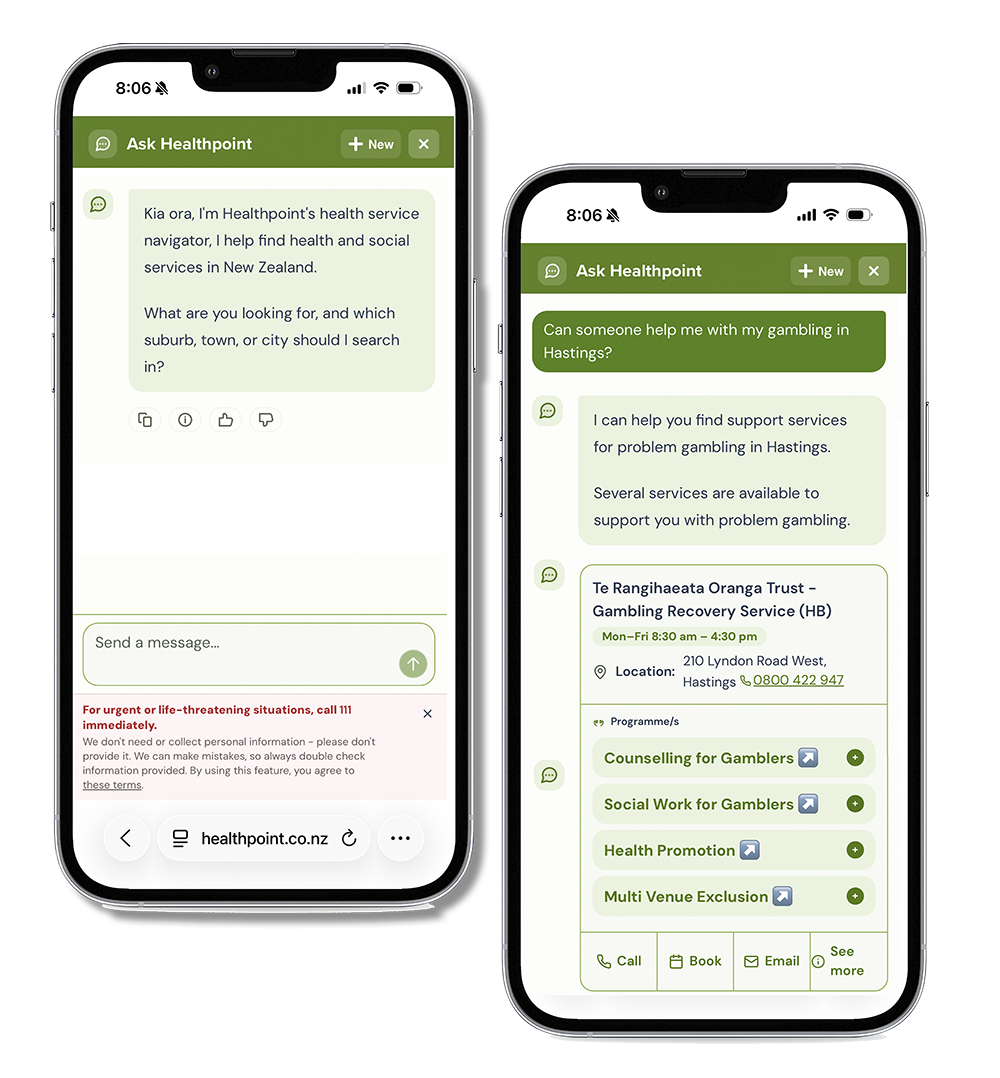
Ask Healthpoint using your phone

Your simple way to navigate health services

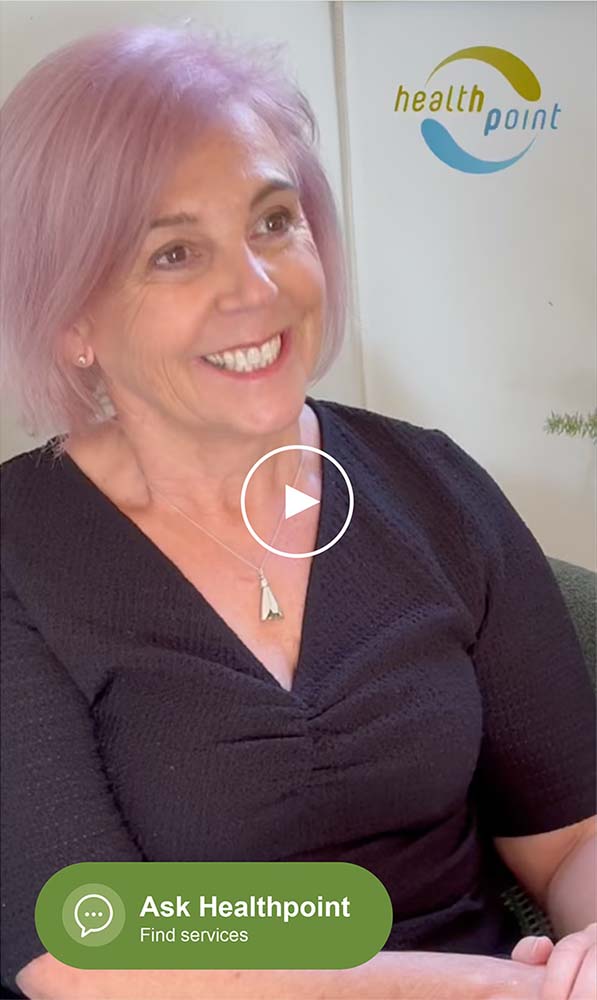
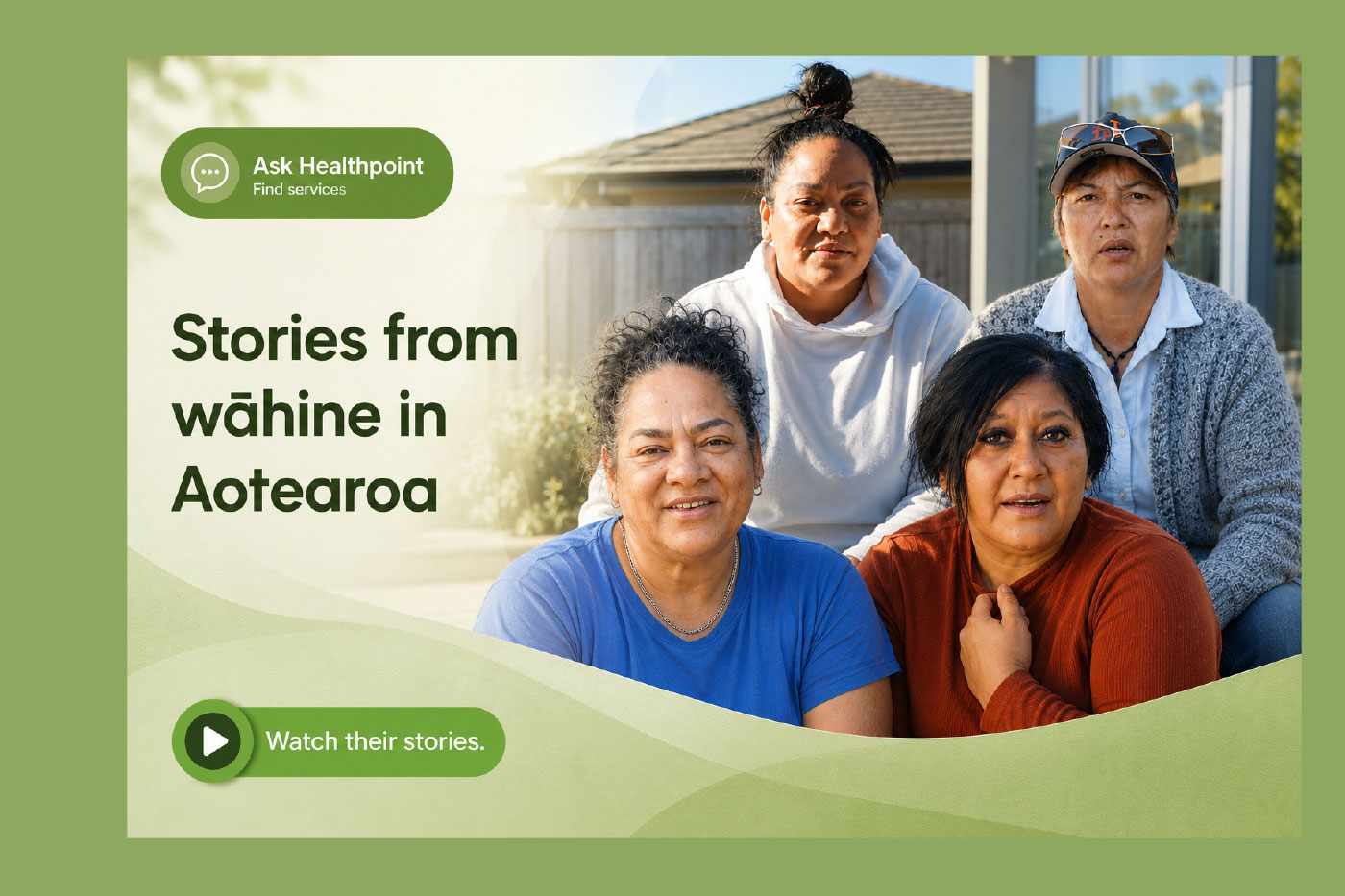
Ask Healthpoint wahine video

Ask Healthpoint is Healthpoint’s AI-powered health service navigation tool and is free for all New Zealanders.

People can search naturally using everyday language and receive clear, relevant local service information – including opening hours, contact details and access information.

Built on 22 years of Healthpoint’s trusted directory expertise and internationally recognised health data standards, Ask Healthpoint supports more intuitive, accessible and equitable navigation across New Zealand’s health system.

Plain language in. Trusted answers out.

Ask Healthpoint allows people to search naturally using everyday language e.g. “I have a sore ear” and receive clear, relevant local service information – including opening hours, contact details and access information.

Powered by Healthpoint’s trusted directory, Ask Healthpoint uses AI to make it easier to find care.

The tool is designed as a service navigation assistant. It does not provide diagnosis, treatment recommendations or medical advice.

Built by New Zealanders for all New Zealanders.

Ask Healthpoint

Built responsibly for healthcare in New Zealand

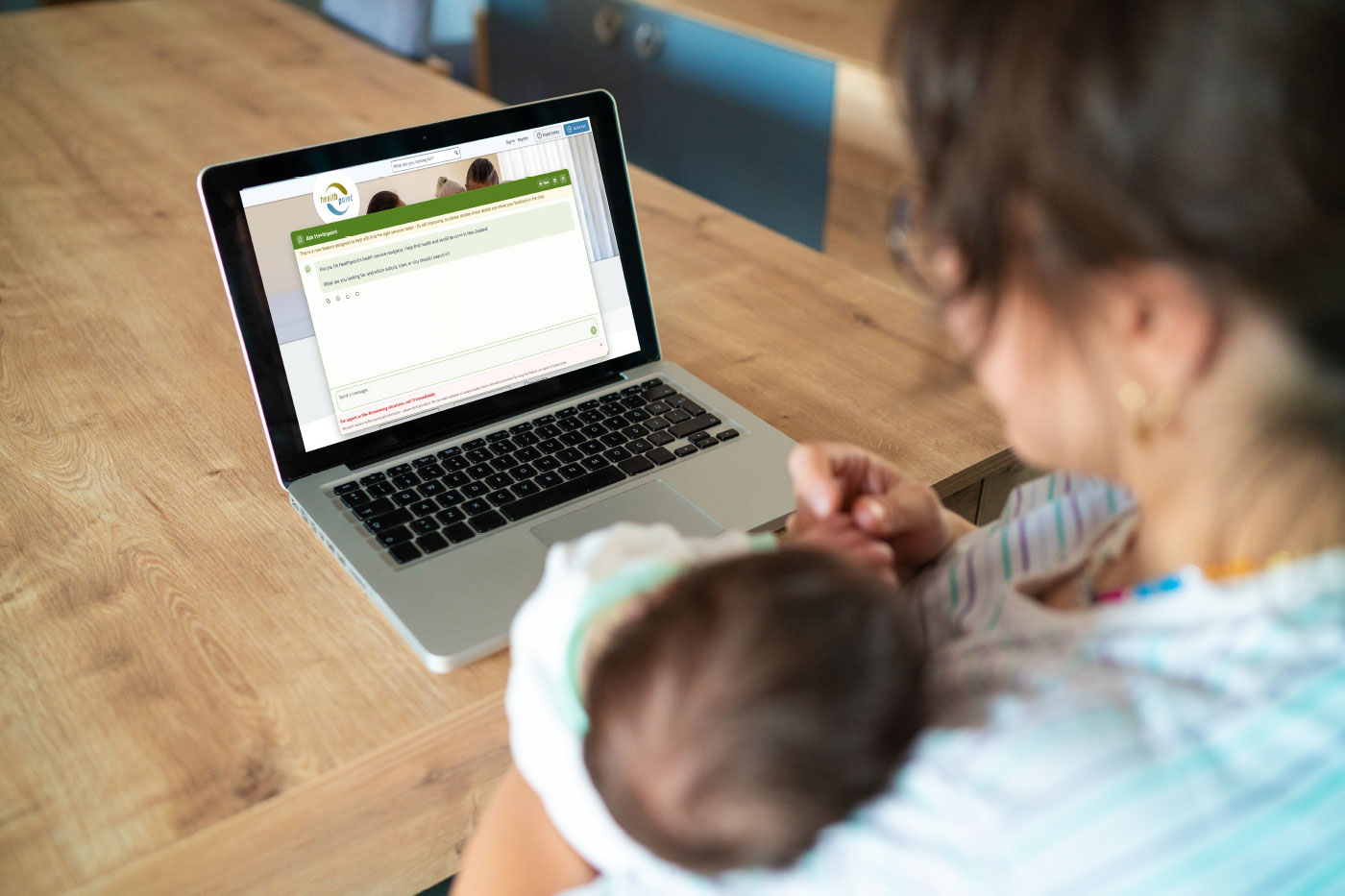
Mum with baby on computer

Ask Healthpoint is a navigation tool only. It does not provide medical advice, diagnosis or clinical decision-making.

Ask Healthpoint has been developed specifically for healthcare navigation with:

  • Strong AI guardrails
  • Privacy-by-design principles
  • 22 years of health service navigation expertise
  • No requirement for personal information
  • Removed personal information if entered
  • Compliance with New Zealand privacy requirements
  • Accessible (WCAG 2.2 AA compliant)
  • Ongoing monitoring and refinement

Why we built Ask Healthpoint

Ask Healthpoint helps people find the right care more easily – connecting people to people, with less effort and more confidence.

“You don’t need clinical terminology. You don’t need to know how the system works. You just ask. You get clear, trusted answers from real, local services.”

Hear from Healthpoint Founder and CEO Kate Rhind.

Kate Rhind talks about Ask Healthpoint

Designed for safer, simpler health navigation

Ask Healthpoint Icon

Plain Language
Search

People can describe what they need naturally – without needing clinical terminology or system knowledge.

Ask Healthpoint Icon

Trusted Healthpoint
Data

Results are drawn directly from Healthpoint’s verified directory of health services and organisations.

Ask Healthpoint Icon

Multilingual
capability

People can engage in their preferred language – supporting more accessible navigation for all.

Ask Healthpoint Icon

Safety-focused
design

Built with strong guardrails, privacy-by-design principles and ongoing monitoring processes.

Ask Healthpoint Icon

Mental health &
addiction support

Supports easier navigation to mental health, addiction and wellbeing services when people may be unsure where to start.

Ask Healthpoint Icon

Powered by
Health Standards

Built using internationally recognised HL7® FHIR® and SNOMED CT standards.

What Ask Healthpoint is

What is Ask Healthpoint?

Ask Healthpoint – available via the ‘Ask Healthpoint, find services’ button on healthpoint.co.nz – is a trusted, directory-based service navigation tool that helps people find nearby health services in New Zealand by describing what they need in plain language. It draws only on Healthpoint’s 12,000 verified services to provide locally relevant, up-to-date options (it does not provide health advice or diagnosis).

Is this a chatbot? Is it just AI?

The assistant uses AI technology, but it is best described as a service navigation tool – similar in purpose to a knowledgeable navigator who helps you find the right door. It is not a chatbot for general conversation. It cannot diagnose conditions, provide health advice, or make clinical decisions. Its expertise is the service landscape – which services exist, what they do, who they are for, and how to reach them – not diagnosing, triaging, or advising on your condition. It helps you find the right health service so you can contact them directly.

How is it different from a Google search or general AI?

Unlike a general Google search, the assistant draws only from Healthpoint’s verified, trusted directory of New Zealand health services. Rather than generic suggestions, it provides specific, local, and up-to-date answers. For example, where a general AI might suggest “searching in your area” for a needle exchange, Ask Healthpoint delivers a verified response such as: “Royal Oak Pharmacy. Open Wednesday until 10pm. Free. No appointment. No ID required.” Consumer testing found this made the assistant faster and more helpful than Googling, because users receive clear, practical answers with contact details – rather than a list of web pages to sift through.

How is searching with Ask Healthpoint different from the way I search on Healthpoint now?

Healthpoint offers two ways to find services, and they are designed for different needs. Ask Healthpoint – the ‘Ask Healthpoint, find services’ button – is built for everyday people who may not know the right clinical term or where to start.

You simply describe what you need in your own words (for example, “my child has a sore ear and I can’t get into my GP”) and the assistant identifies which types of services match what you’ve described, then presents a curated list of nearby options with practical details like opening hours and how to make contact. The Healthpoint search bar is a powerful directory search used by clinicians, health planners, and anyone who already knows what they are looking for – such as a specific service type, specialty, or provider in a particular area. It returns all matching services across the directory. In short: if you know what you need, use the search bar. If you are not sure where to start, use Ask Healthpoint.

Safety & Privacy

Is it safe?

Safety is the highest priority. Healthpoint’s Safety and Security Layer governs user interactions, platform and data security and continuous monitoring and tuning of the tool. The assistant was developed over 12 months with 25 rounds of testing, across hundreds of test scenarios. It was tested specifically among some of the most sensitive health domains including mental health and emergency care.

Given data security is paramount in a technology-driven world, Ask Healthpoint has also been heavily tested by independent security experts, in ways a real attacker would, to ensure it is as robust as possible. Guardrails keep it within its scope as a service-navigation tool – it does not assess, triage, or advise on health conditions; it points people to relevant services.

Who are the experts who have built this?

The Healthpoint Safety and Security Layer underpins Ask Healthpoint’s operations and draws on deep expertise in secure AI system design across highly regulated sectors, including banking, insurance, and health. Orchestrated are specialists in building AI safely for these environments, including in New Zealand, and have been working with Healthpoint for 12 months.

This is a genuine co-creation built on a deep partnership between Healthpoint and Orchestrated. The relationship is ongoing.

What does "25 rounds of testing" actually mean?

During 12 months of development, Ask Healthpoint went through 25 rounds of testing across 600+ of real-world scenarios – including some of the most sensitive areas in New Zealand health: for example, mental health and emergency care. It was also validated by the WOVEN Consumer Advisory Group, whose members confirmed it was easy to use and faster than searching on their own. Testing is ongoing – every interaction is monitored and any errors are reviewed and addressed.

Does it collect my personal information?

No. You do not need to give your name, date of birth, NHI number, or any other personal details to use Ask Healthpoint. Just describe what you need and where you are.

If you do happen to type in personal information, the system strips it out automatically. The assistant is designed to meet the requirements of New Zealand’s Privacy Act and Health Information Privacy Code.

How is Ask Healthpoint monitored?

Every interaction with Ask Healthpoint is de-identified and logged for safety review. A live monitoring dashboard tracks performance continuously, and any errors or unexpected responses are flagged and addressed.

Users can give direct feedback within the tool using a thumbs up/down rating after each response. The assistant also has built-in guardrails – including code-level safeguards and over 140 prompt injection scenarios tested – to prevent unsafe or out-of-scope responses. If you have a concern, you can also contact Healthpoint directly by email.

Coverage & Capability

Does it work in te reo Māori or other languages?

Yes. People can write to Ask Healthpoint in te reo Māori, Samoan, and many other languages, and the assistant will do its best to understand what they are asking.

However, for some languages (particularly those with smaller digital language datasets), the assistant may not be able to respond reliably in that language. Where it cannot respond reliably in a given language, it replies in English to ensure accuracy. Users can continue writing in their preferred language – the assistant will keep interpreting it and responding in English. Ask Healthpoint will continue to enhance its capabilities, and its language recognition will keep improving over time.

Does it cover all health Services in New Zealand?

Ask Healthpoint draws on 12,000 verified health services across New Zealand, and has complete national coverage of GPs, pharmacies, mental health and addictions services, and strong coverage of private services. We have coverage across free-to-access community, maternity, and public hospital services, and we are continuing to expand it.

If the navigator cannot find what you are looking for, try describing your need differently, or search the Healthpoint website directly, or contact Healthline on 0800 611 116 for further guidance.

How are search results ordered? Does the assistant prioritise certain services?

Results are ranked by proximity to the user’s location. When someone specifies a town, suburb, or city – for example, Ashburton – Ask Healthpoint identifies that location and presents services starting from the nearest, working outward.

Within that proximity ranking, services with more complete and detailed profiles are shown more prominently, because richer information leads to better outcomes for users.

All services listed on Healthpoint remain visible and accessible; no service is excluded from results. We are continuing to refine the ranking logic to ensure users consistently receive the most helpful and accurate information available.

Navigating the Health system

Does it replace my GP, nurse, or helpline?

No. The assistant is a navigation tool. It helps you find relevant services – it does not assess your condition or replace the people who provide care.

If you are in an emergency, call 111. For health advice, contact your GP, Healthline (0800 611 116), or your nearest urgent care clinic.

How will Ask Healthpoint solve access to GPs?

Ask Healthpoint cannot increase the volume of GP appointments available – but it can help people see the full range of care options available to them.

When someone describes what they need, the assistant looks across Healthpoint’s entire directory and presents all relevant services nearby: that might include their local GP, but also an online GP consultation, an urgent care clinic, a pharmacy, a helpline, or a community health service.

Many people are not aware of all the options that exist in their area, especially alternatives to a GP visit. By making these visible in one place, Ask Healthpoint helps take pressure off general practice and supports people to find and reach the right service for them, faster.

How does it help someone living in a small or rural town?

This is where Ask Healthpoint can make the biggest difference. In smaller communities, people often do not know the full range of health services available to them, or that options exist beyond their local GP.

Ask Healthpoint brings all those options together in one place. Describe what you need, and the assistant will show you what is nearby: that might be a GP, a pharmacy, an urgent care clinic, an online GP service, a helpline like Healthline (0800 611 116), or a community health provider you did not know was there.

It also shows practical details like opening hours, whether an appointment is needed, and how to make contact – so you can act on the information straight away.

Cost & Access

What does it cost to use?

It is available to use for free on the Healthpoint website.

Is there a cost for service providers, particularly the public health system?

There is no cost for using Ask Healthpoint on the Healthpoint website.

Going forward, use of Ask Healthpoint within other digital platforms (for example, on other service provider platforms) will require a licence fee, which includes a third-party token cost, to support ongoing operation, maintenance and improvement. This is standard practice with software and operating systems.

What did it cost Healthpoint to develop? What ongoing costs are there?

We have a strong R&D reinvestment strategy, and we have self-funded the build of Ask Healthpoint because it directly aligns with our kaupapa: finding new ways to help people access care faster and addressing inequities in the health system. The cost to Healthpoint is commercially sensitive.

How can people without internet access use Ask Healthpoint?

Healthpoint is part of the government’s Zero Data initiative (zero.govt.nz), which means anyone on a Spark, Skinny, One NZ, 2degrees, Warehouse Mobile, Slingshot, or Orcon mobile network can access healthpoint.co.nz without using any mobile data, they just need their mobile data turned on. No data cap is consumed and no charges are incurred. We are in discussions with zero.govt.nz to have this extended to Ask Healthpoint.

Beyond Zero Data, there are community access points such as libraries, and organisations such as Citizens Advice and Age Concern with digital connectivity available for public use.

For Organisations & Partners

Can organisations embed Ask Healthpoint on their own website?

Yes. The assistant is available as an embeddable widget that can be integrated into partner websites and digital tools with a single line of code.

Contact Healthpoint to discuss the widget programme.

Healthpoint can also provide a QR code linking directly to Ask Healthpoint, available at no cost for use on posters, brochures, and other community materials.

Could your organisation benefit from Ask Healthpoint?

Proudly members of: